


The Future of Writing is Ink-Free
Create freely, sketch endless ideas, and take notes without the mess. This reusable magnetic tablet offers a smooth, dust-free experience that keeps your hands and environment clean.
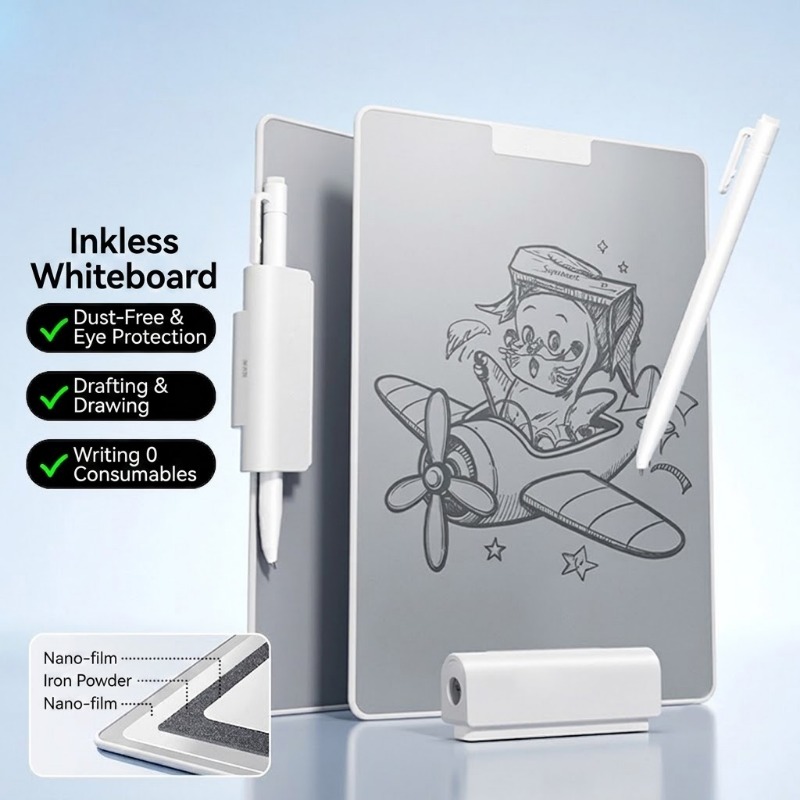
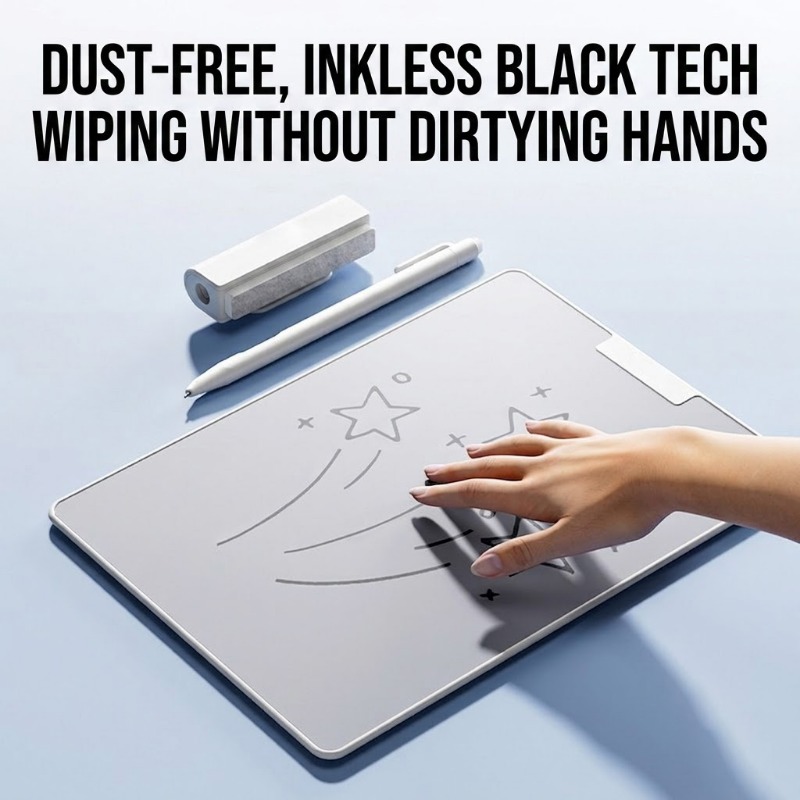
Advanced Magnetic Powder Technology
Forget ink, paper, and chalk dust. Our innovative multi-layer screen uses magnetic stylus pressure to reveal sharp, dark lines instantly. It's a revolutionary way to draft and draw that is infinitely reusable and completely eco-friendly.
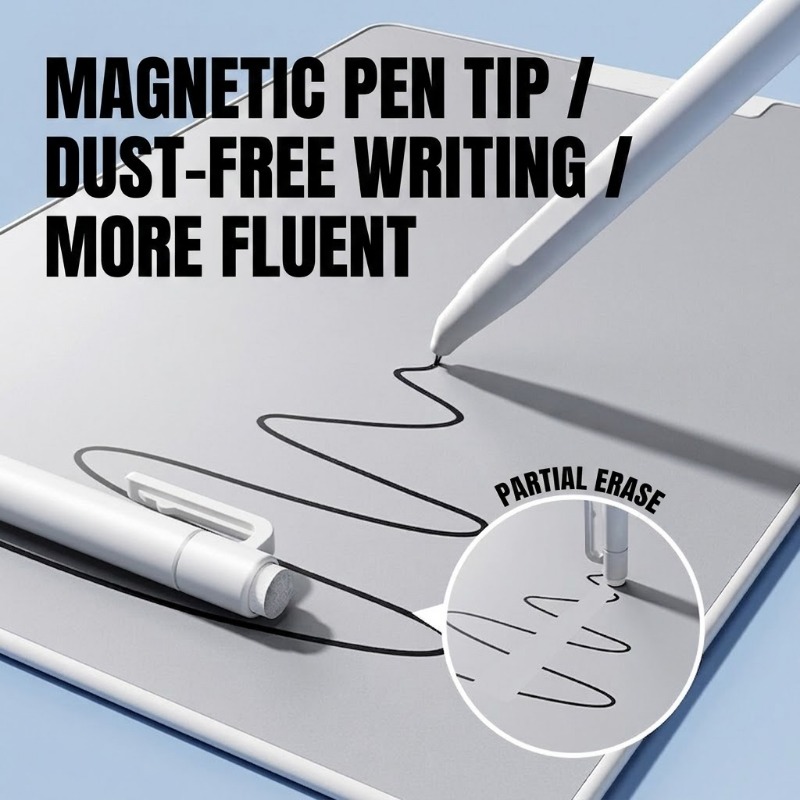
Precision Partial Erasing
Unlike traditional magnetic boards that require a full wipe, our stylus features a dedicated eraser tip for precision corrections. Modify small details just like using a pencil and eraser, giving you total creative control without ruining your entire work.
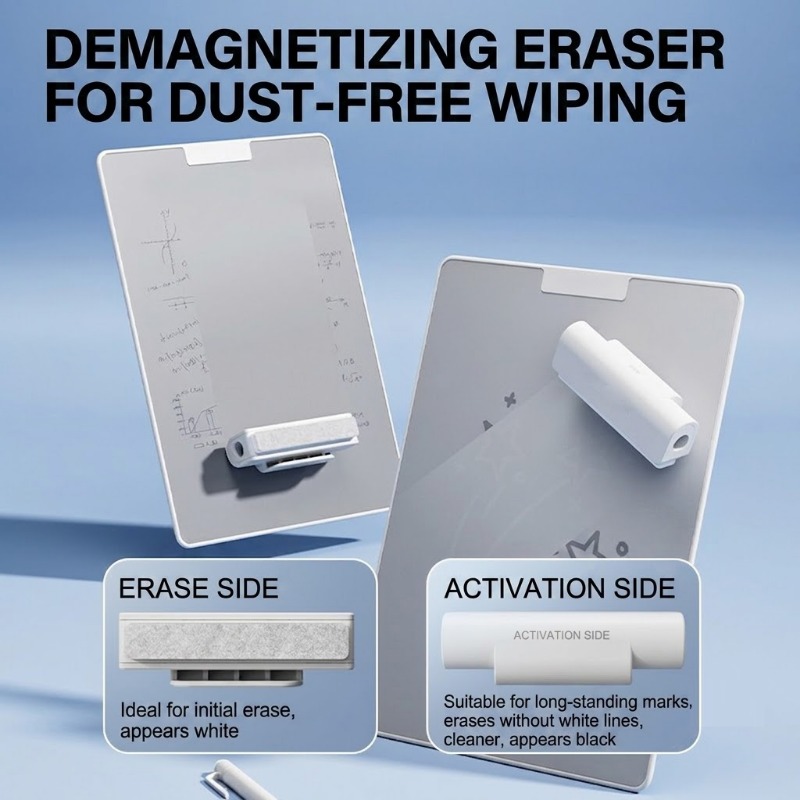
Specialized Dual-Action Eraser
For larger corrections, the included eraser block offers two distinct surfaces. Use the 'Erase Side' for quick initial clearing, or the 'Activation Side' for a deeper clean to remove long-standing marks without leaving ghost lines.
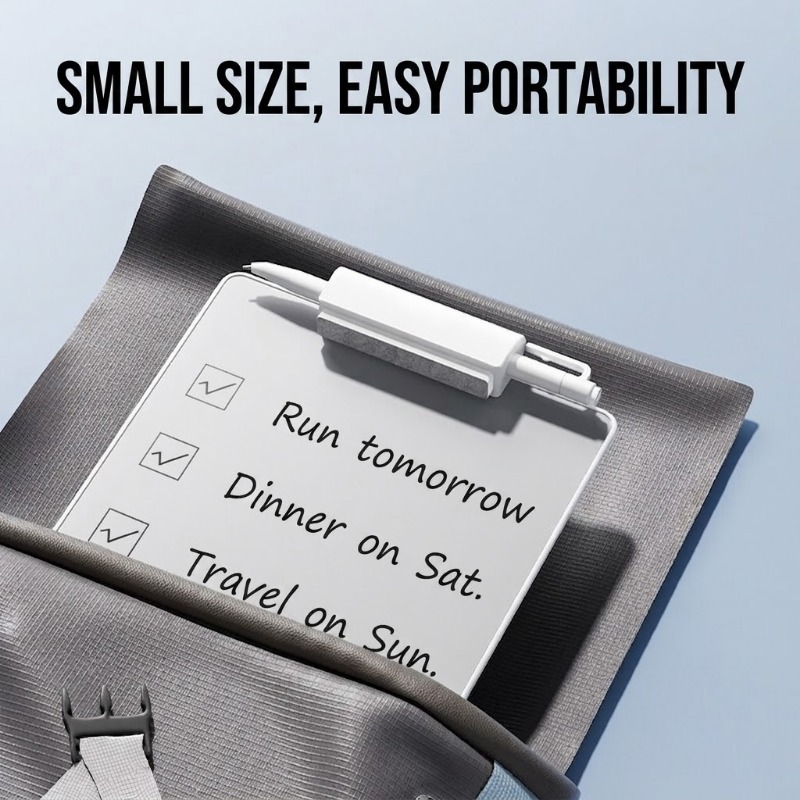
Designed for On-the-Go Productivity
Lightweight with a slim profile, this tablet slips easily into any backpack or tote. The stylus attaches magnetically to the integrated pen clip, ensuring you have your complete writing setup wherever inspiration strikes—from the office to the cafe.
Specifications
| Product Type | Ink-Free Magnetic Writing Tablet |
|---|---|
| Writing Method | Magnetic Stylus (No ink, batteries, or charging required) |
| Included Accessories | 1x Magnetic Stylus with eraser tip, 1x Dual-sided Eraser Block |
| Available Models | Large (MQ189), Small (MQ188) |
Frequently Asked Questions
Does this tablet require batteries or charging?
No. The tablet operates entirely on magnetic principles. It does not have an electronic screen, requires no power source, and does not emit light, making it safe and comfortable for your eyes.
Can I save my drawings digitally?
This is an analog writing device designed for temporary notes and sketches. It does not have internal memory or Bluetooth connectivity to save or transfer files digitally.
How do I clean the screen surface?
Simply use the included magnetic stylus tip for small corrections or the dual-sided eraser block for clearing larger areas. Do not use water, chemical cleaners, or abrasive cloths on the screen surface.